
Uber expands into Whakatāne
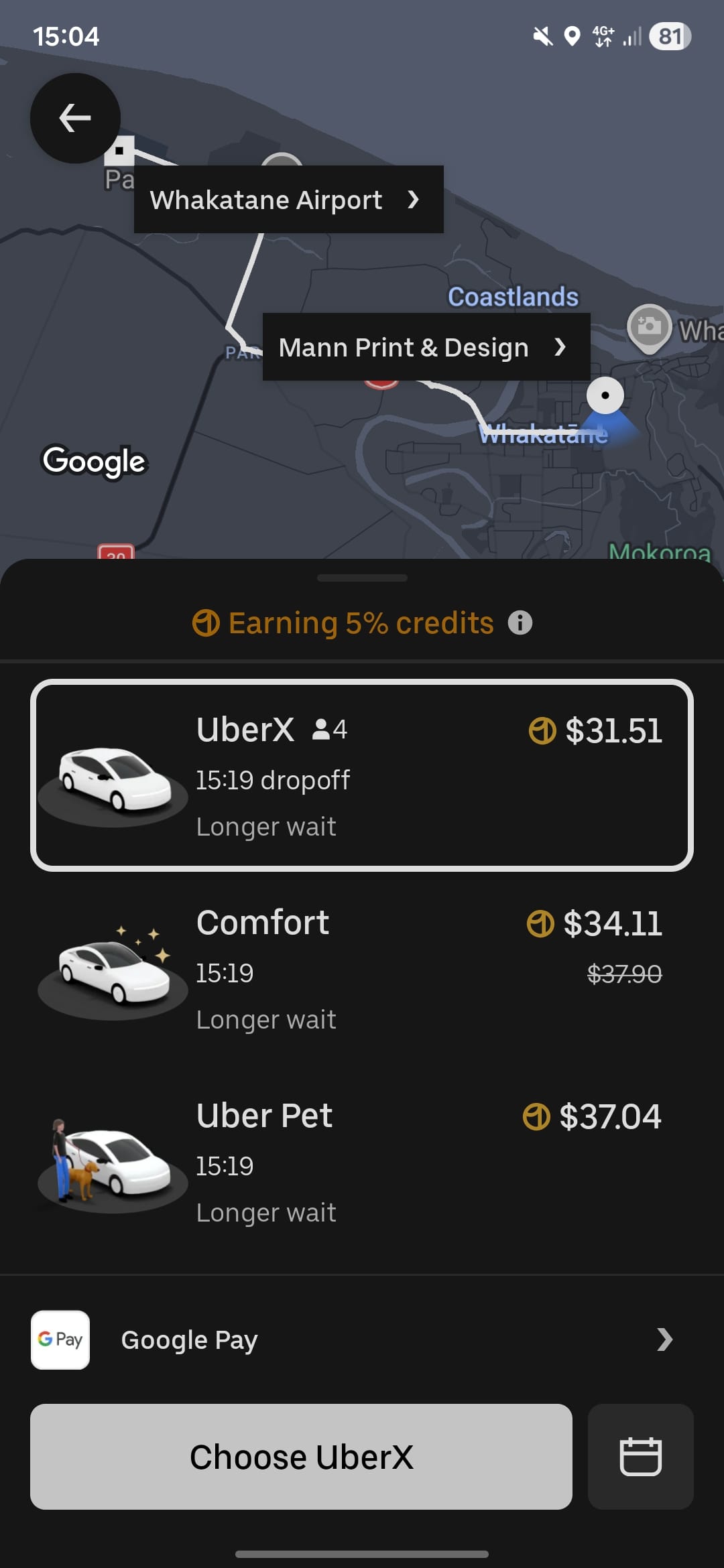
.
Uber has arrived in the Eastern Bay this week.
Whakatāne is one of the seven new regions that Uber is now servicing, joining Wānaka, Levin, Tokoroa, Ashburton, Hāwera, and Oamaru.
The expansion means people in Whakatāne can now incorporate Uber into their day-to-day travel, whether for regular commutes, quick trips around town, getting home after an evening out, or helping seniors get to appointments when family members are at work.
Trips are booked through the Uber app, with features such as upfront pricing, GPS tracking and trip sharing designed to provide a clear and consistent experience throughout each journey.
“We’re proud to be bringing Uber to Whakatāne, helping local businesses connect with new customers and offering people a safe and reliable way to get to events, activities and home at the end of the night,” said Emma Foley, managing director, Uber Australia and New Zealand.
“We know that in regional towns, being able to get a ride on demand can make a huge difference in staying connected to friends, family and local businesses.”
This also brings new, flexible earning opportunities for people in Whakatāne. Locals can sign up to drive and earn, and choose when and how often they drive, depending on what works for them.
“For those who choose to drive in Whakatāne, it offers a new way to earn flexibly that fits their lifestyle,” Ms Foley said. “It’s about locals helping locals get where they need to be.”
All Uber driver partners undergo rigorous screening and checks requiring drivers to hold authorisations for ridesharing.
How to use Uber
* If using Uber for the first time, download the app in the app store on your mobile phone.
* Open and log into the Uber app on your device
* Type your destination into the “Where to?” section
* Select the type of vehicle you would like at the bottom of the screen, and review the upfront fare
* Tap “confirm ride” and then confirm the pickup location
* Wait for your request to be accepted by a driver and check the estimated time of arrival
* Just wait for your driver to arrive. You can check their location on the in-app map and you will be notified when they are close to the pickup location.